


这是附加信息
Blade Dual Time All Black is designed in such a manner that a man who likes to be strong but show it in an non-complicated way would like it.
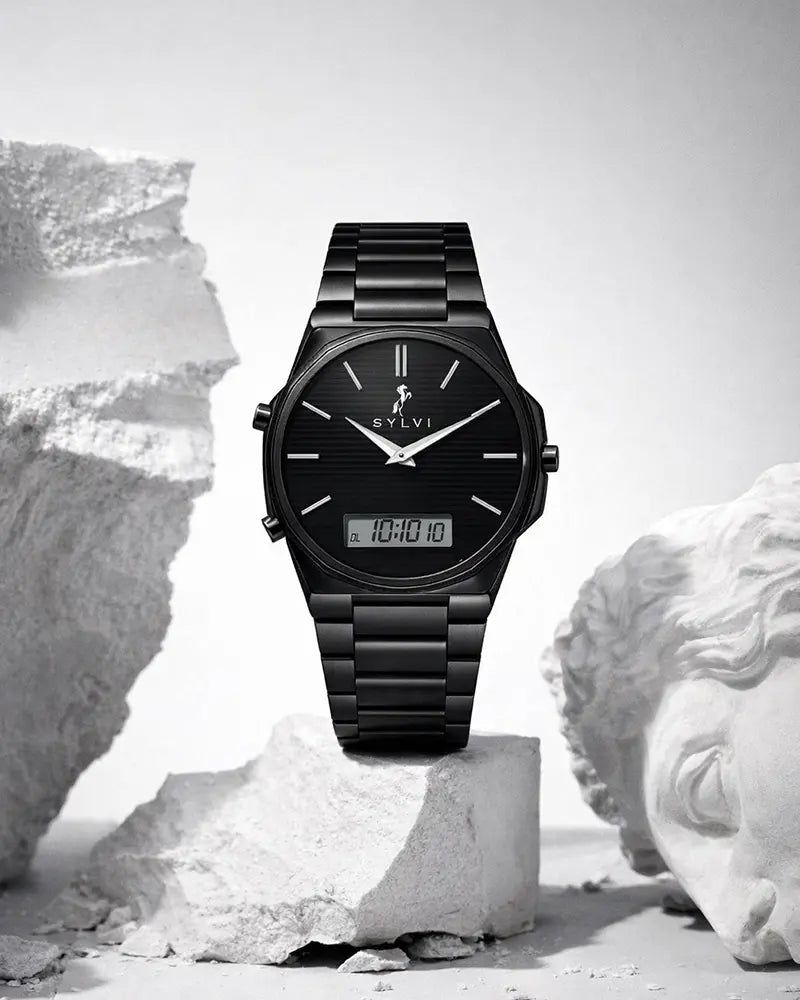
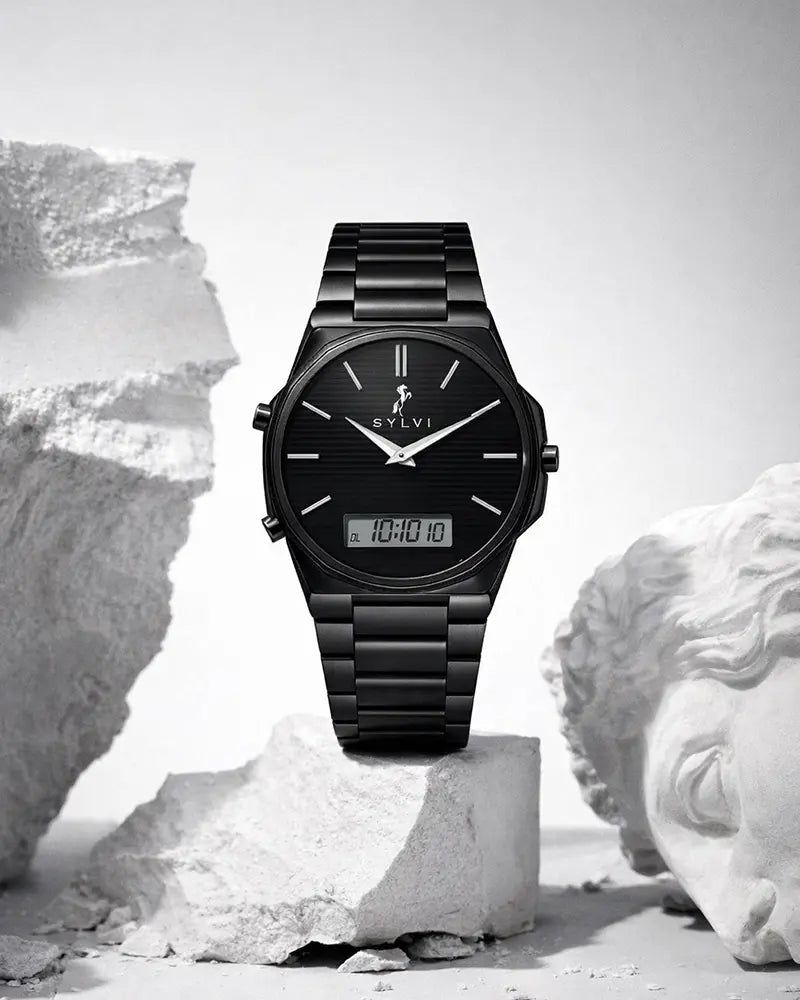
This watch is articulate in low tones, and nothing is accidental or in vain. Packaged to a contemporary routine and serious lifestyle, it is one that stands out among as an exaggerated monochrome individual.
Case & Craftsmanship
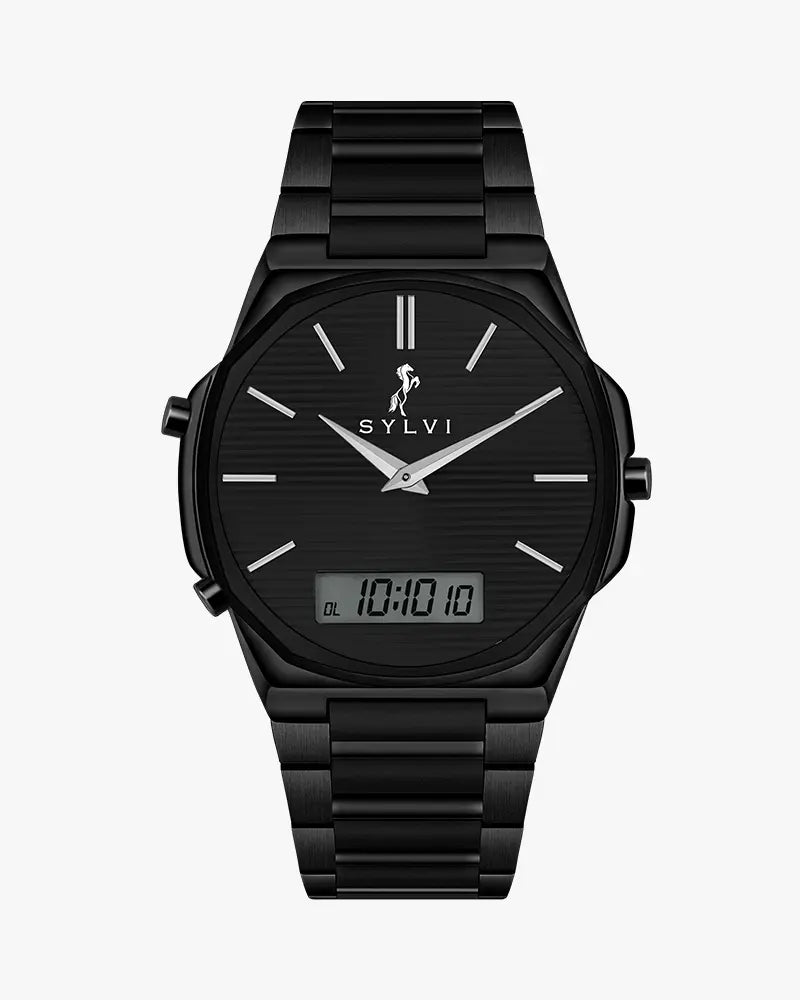
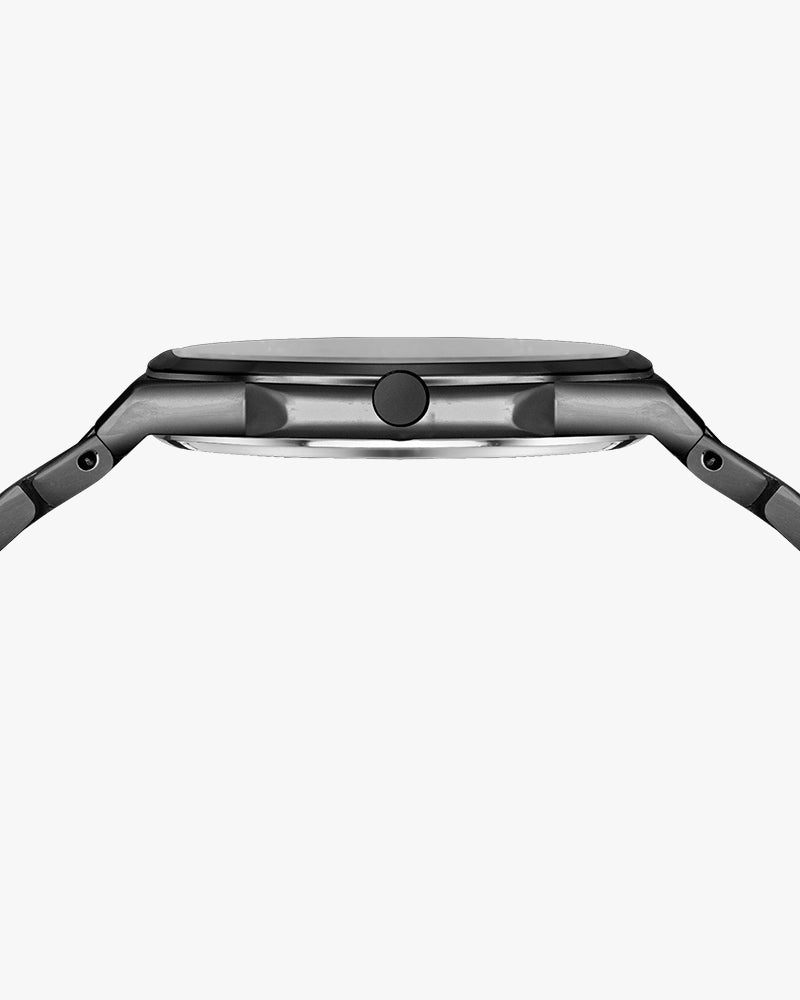
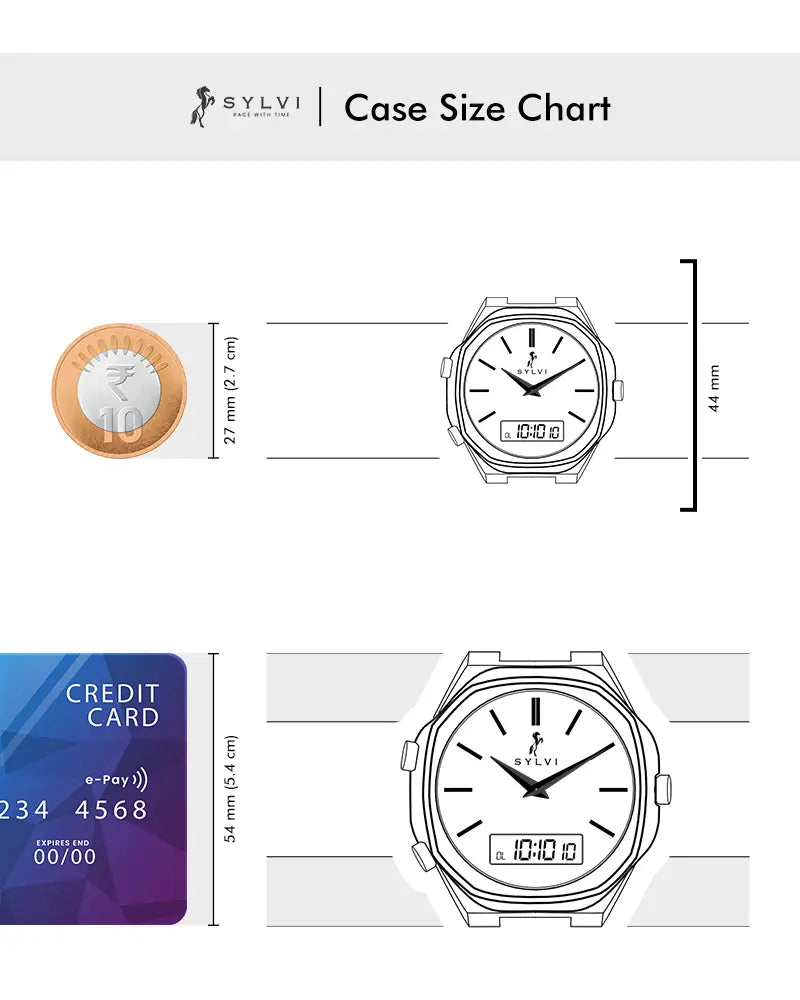
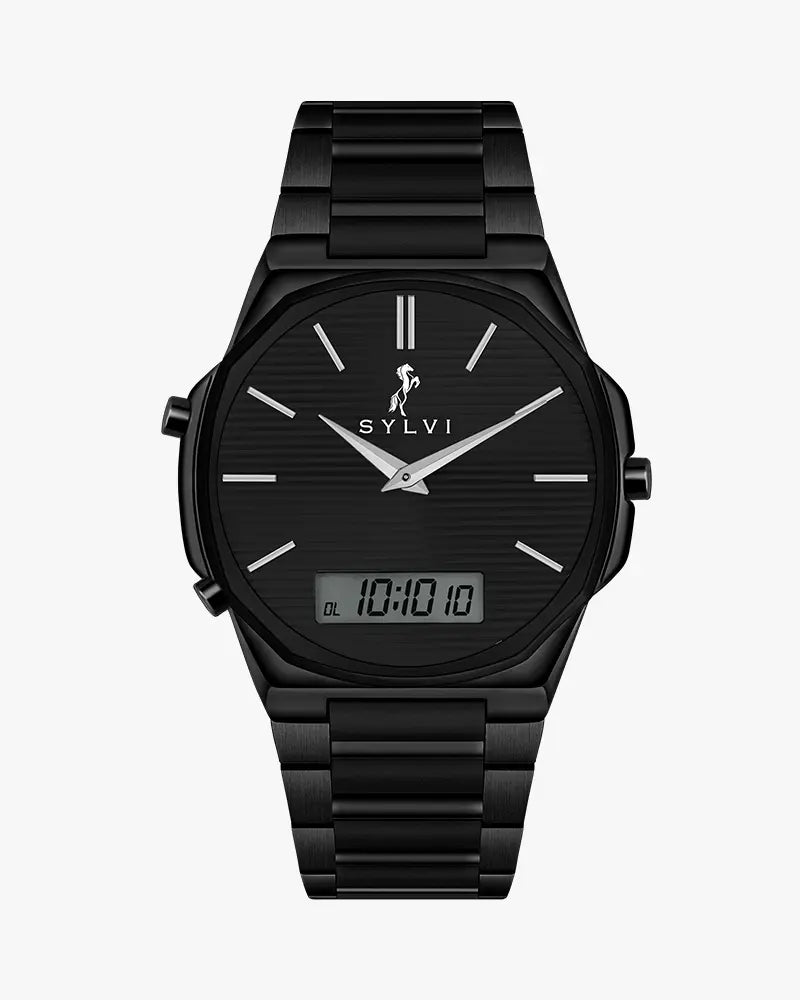
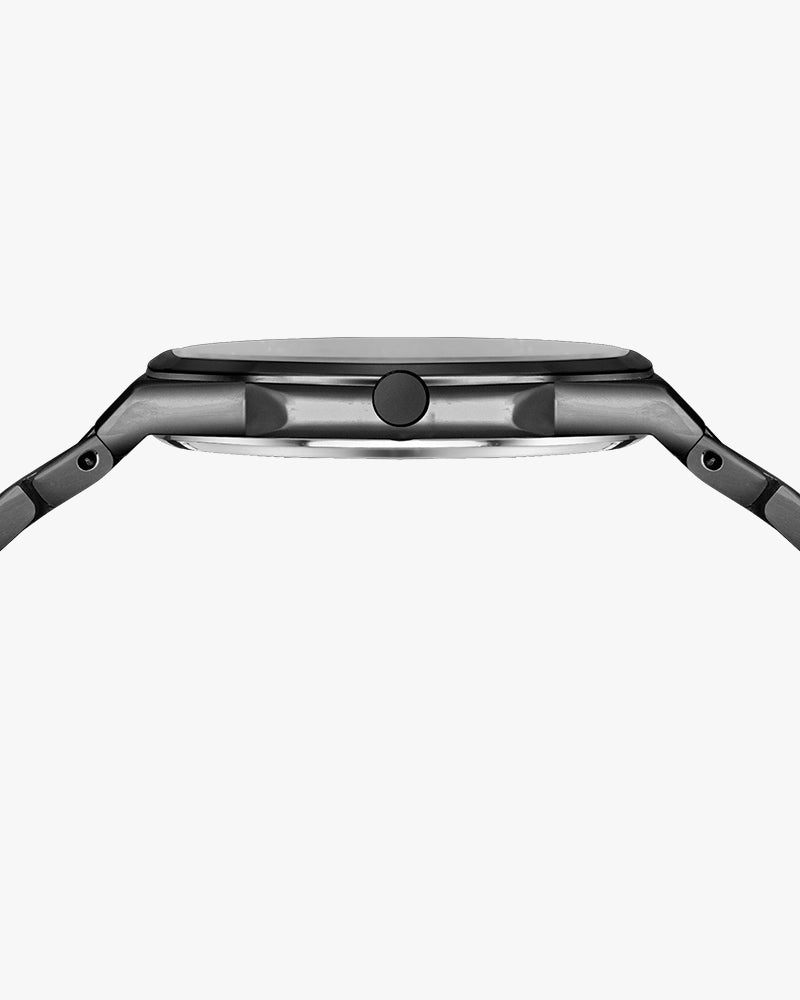
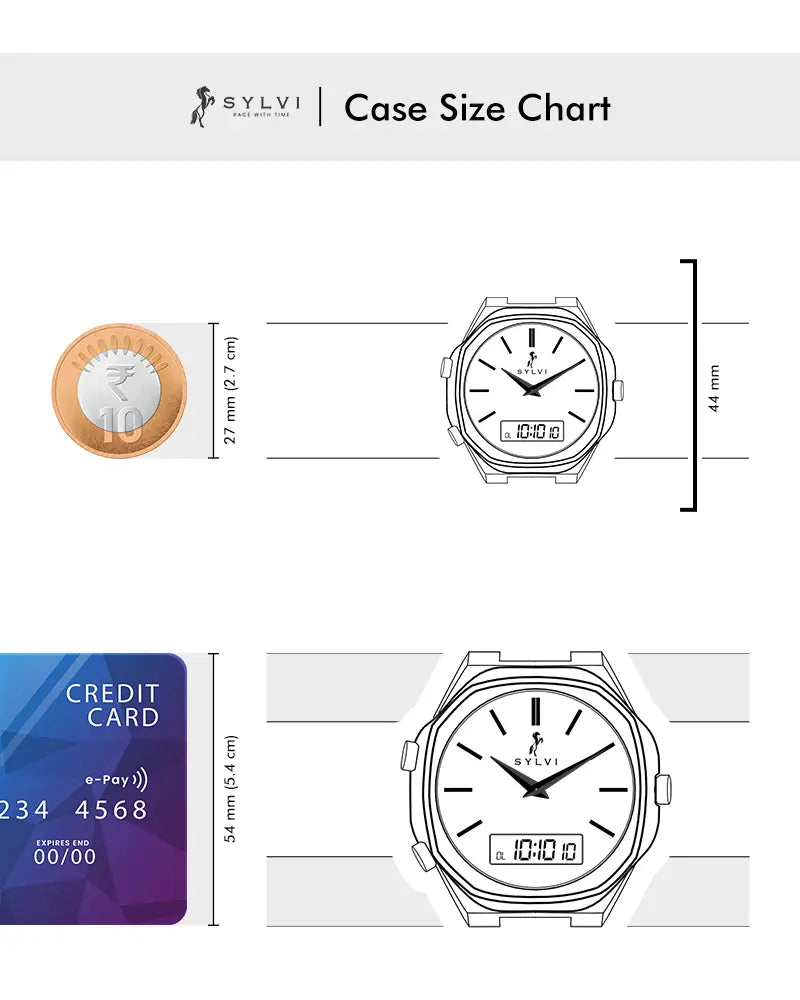
The all-black variant makes the Blade Dual Time look strong and consistent with its purpose and tone of solidity that is felt on the wrist. It also has a tailored Octagon shape which is a modern addition that makes it distinguishable among the traditional round construction and balanced and comfortable.
The finish of the watch surfaces is smooth to promote the depth without causing unwarranted reflection, and this underscores the nature of the watch as refined, and a subtle modern look. It is an assuring construction that can be worn on a daily basis, instead of an infrequent showoff.
Button– Functional Precision
The Blade Dual Time watch operates using three buttons: A, B, and C. The A button is used to adjust time and date values and to move between different modes. For example, during time setting you can change the hour from 8 to 9, and during date setting you can change the date from 10 to 11.
The B button is used to switch between settings and to save changes. Holding the B button for 2 seconds activates the setting mode, and the display will flash with a luminous indication.
The C button is used to adjust the analog time. In normal mode, press and hold C to move the hour and minute hands, then press C again to confirm.
Dial & Visual Identity
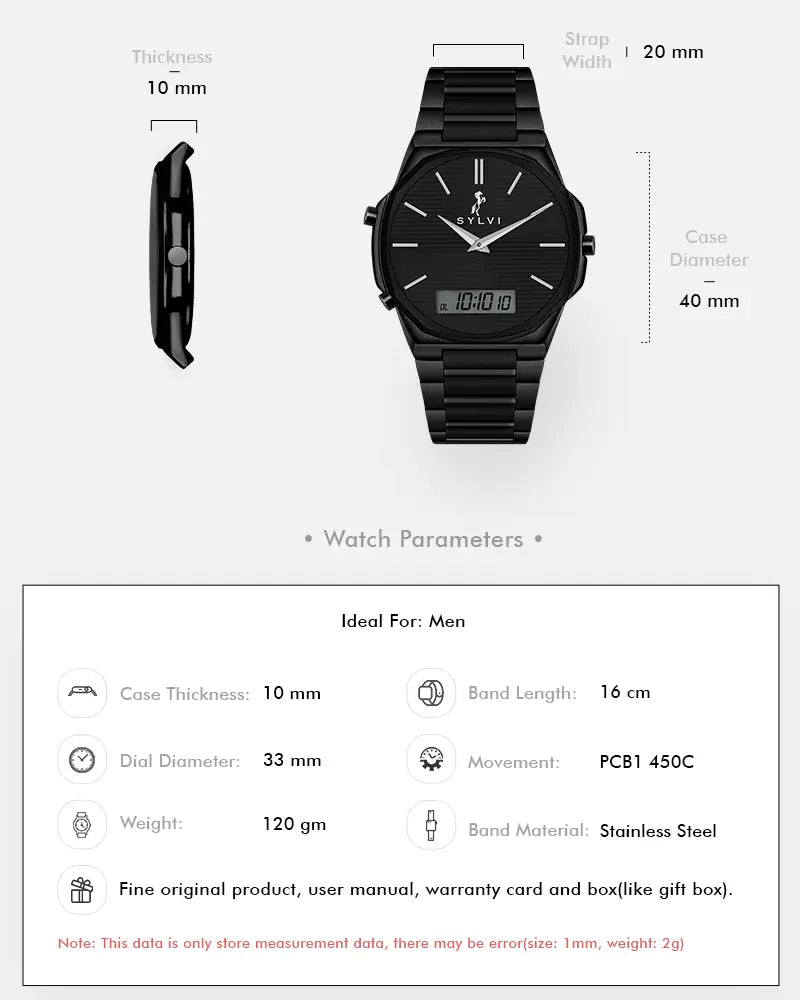
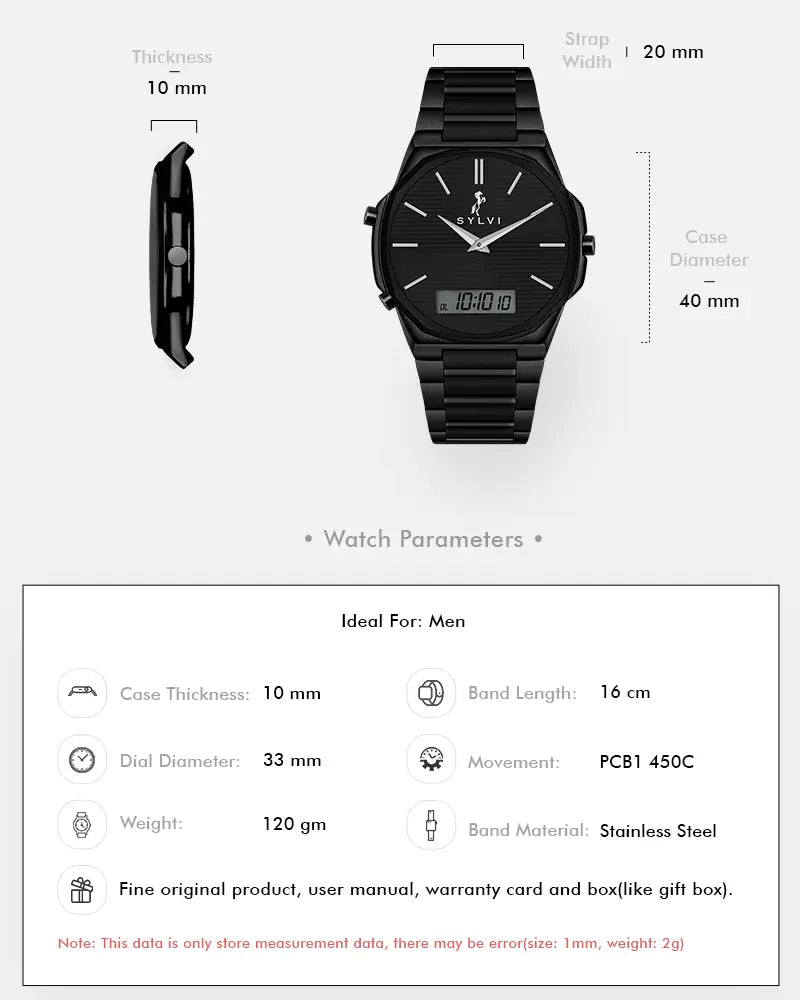
The character of this timepiece is the black dial. Its layout is clean, and consequently, it is very easy to read, but a minimal-looking texture provides depth without being distracting.
The physically placed analog hands and the digitally provided window co-exist in a harmonic flow with a natural look, which is intuitive and modern.
Such a cohesive unity firmly positions the Blade Dual Time in the confident position of in male wearers who prefer design result to be ornamental/cluttered.
Hands
The hands are smooth, polished and can easily be seen against the black dial. Their noticeable contrast is the guarantee of fast and easy reading during both daytime and in the so-called low-light situation, as the sharp contrast is supported by the glow in the detail, which ensures that the information is readable when the time comes.
Strap & Wearing Comfort
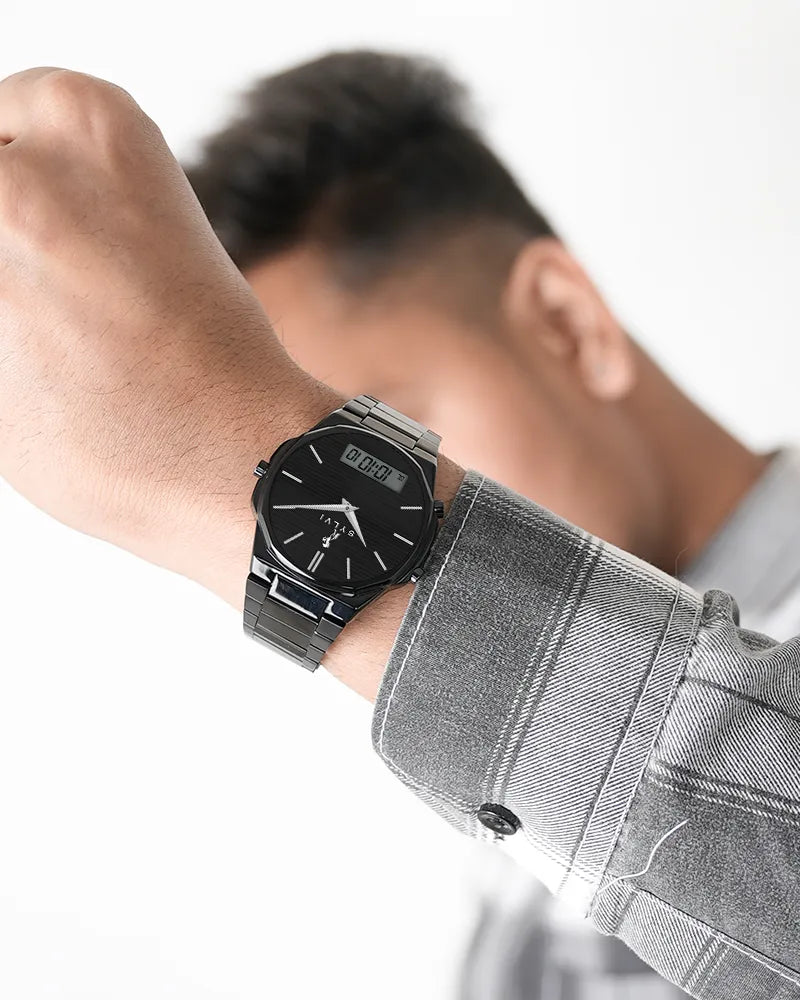
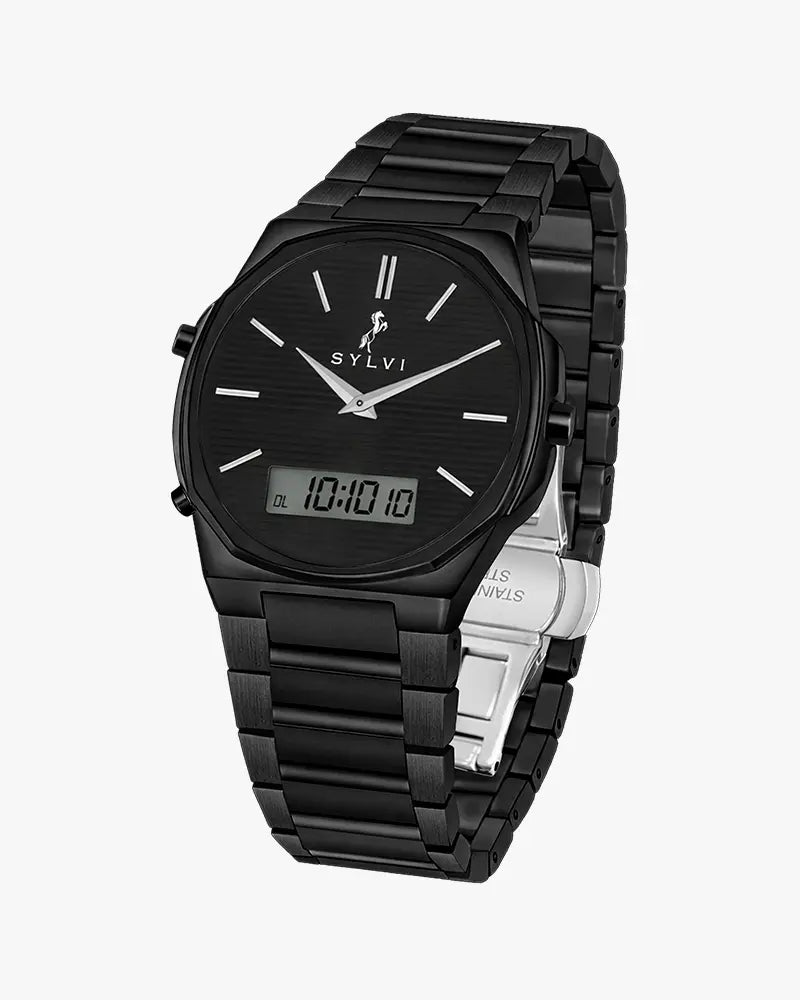
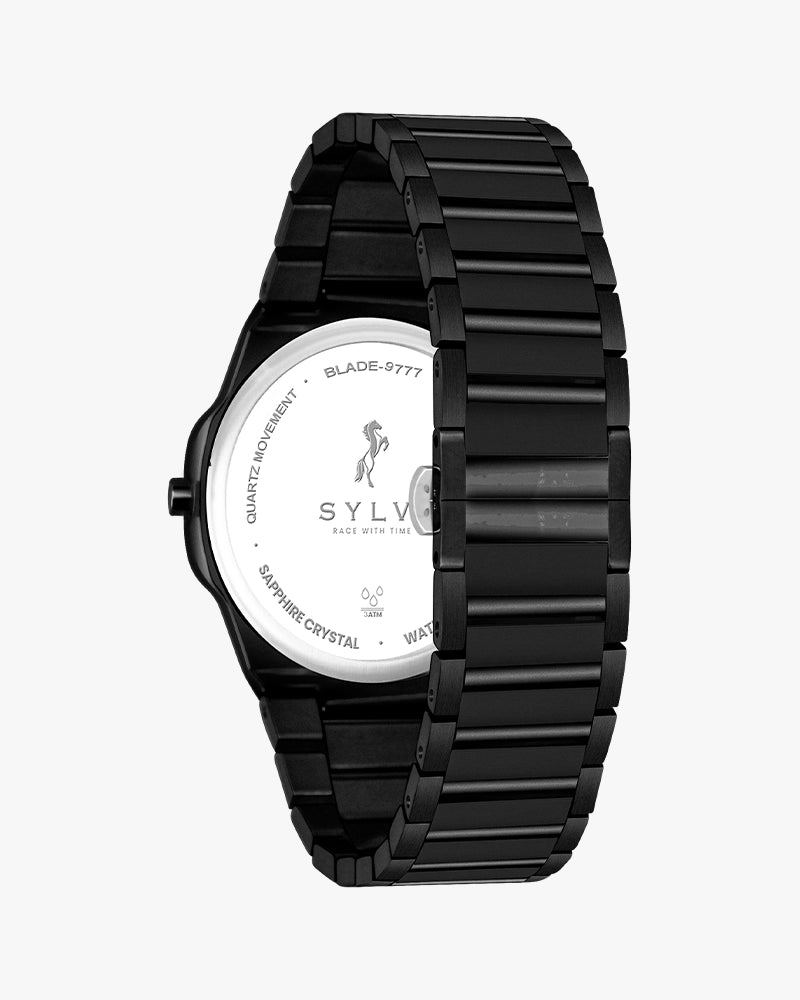
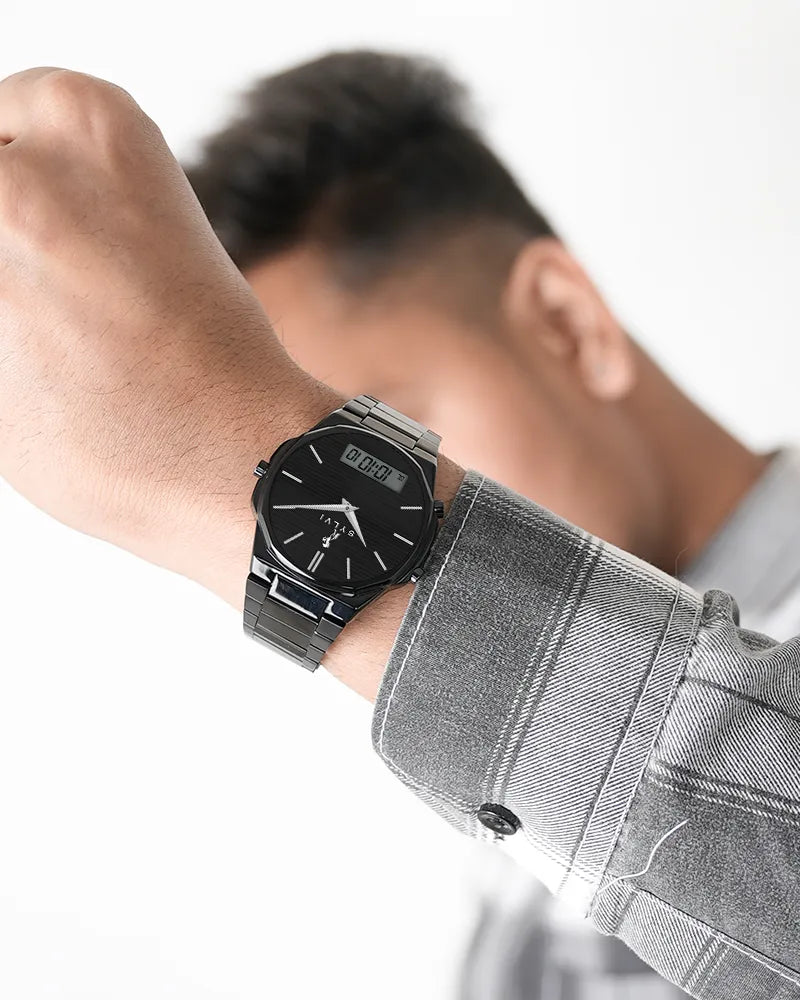
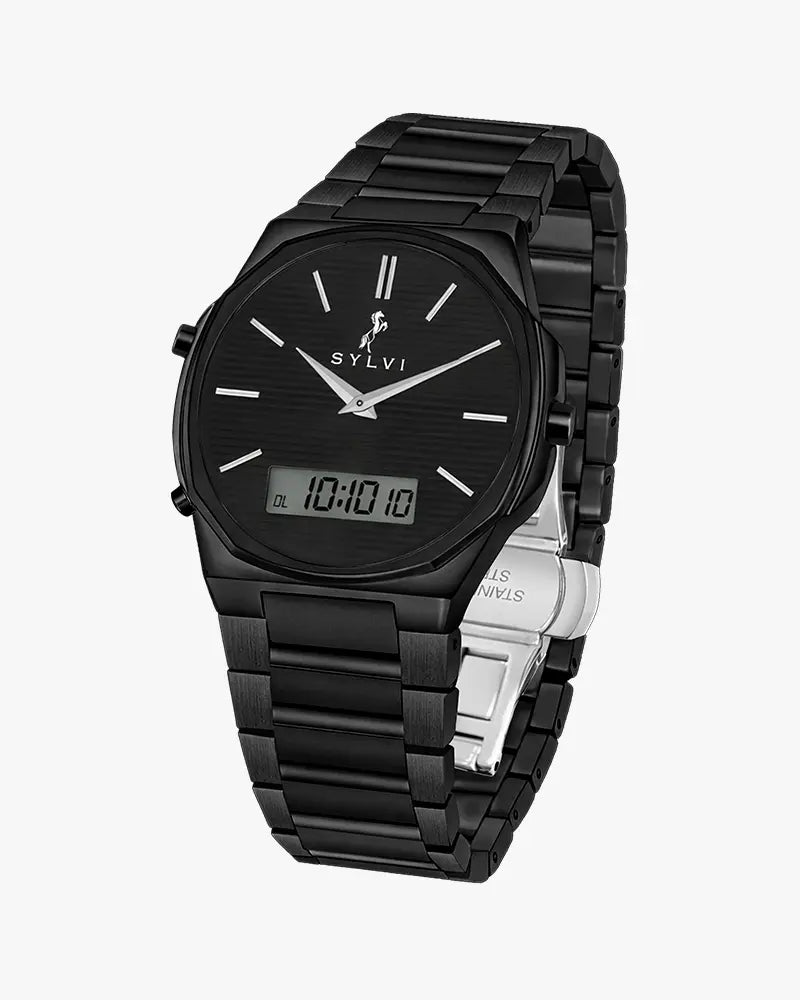
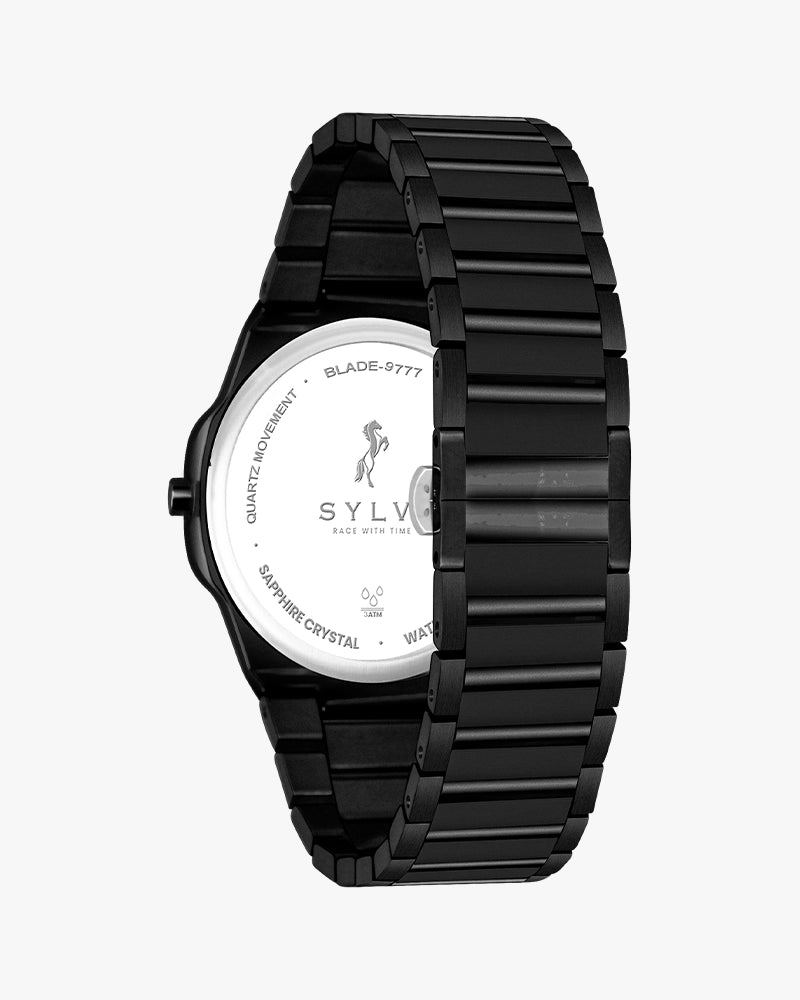
The watch is round with the Stainless steel bracelet in full black finishing that gives the watch a complete unity appearance. It is safe, stable, and comfortable to wear over long durations of time therefore it can be used at work, on the move and daily activities.
The fold-over clasp is also an extra feature that provides confidence and holds the watch in place with no difficulty in wearing.
Movement & Experience
The Blade Dual Time All Black provides quality and dependable dual display experience making it a blend of old time telling and new digital convenience.
The everyday interface adds and supports everyday features such as date display, alarm, Stopwatch and flexible time formats with ease and ease to Bay and also supports busy and organised lifestyles.
This constitutes it as a viable option as compared to constructed with real world application and not as occasional flair.
Features
To set the digital time, stay in Normal Mode and press and hold the B button for 2 seconds until the seconds start flashing. Press B to switch between Seconds, Hour, Minute, and 12/24-hour format. Press A to adjust the selected value, then press B to save.
To set the Date and Day, press the A button one time from Normal Mode to enter Date & Day mode. Then press and hold the B button for 2 seconds until the month starts flashing. Press B to switch between Month, Date, and Day, and press A to adjust the selected value. Press B to save the setting. After completing the Date and Day setting, press the A button four times to return to Normal Time Mode.
Press the A button one time each to change modes in this order: Normal Time, Date & Day, Alarm, Stopwatch, and DL (Dual Time). Continue pressing A until you return to Normal Mode.
To set the Alarm, press A until Alarm Mode appears (third mode). Hold B for 2 seconds until the hour flashes. Press B to switch between Hour and Minute, press A to adjust, and press B to save.
For the Stopwatch, press A until Stopwatch Mode appears. Press B to start timing and press B again to stop. Hold B for 2 seconds to reset to zero. Press A once to return to Normal Mode.
Why Choose Sylvi?
Sylvi watches are created thoughtfully, simply and responsibly. Every watch represents both the Indian artisanship and modern thinking of design, which is also premium without needless complexity. The Blade Dual Time All Black is the symbol of power, its simplicity, and the ability to perform well.
Who Should Buy This?
This watch is ideal for:
- Men who like to be made up boldly in minimalist way.
- Workers interested in an easy to wear watch.
- Men purchasing Men watches with a high level of utility.
- Men who want something interesting and multi-purpose.
- Persons who upgrade to as a strong identification to the male gender.
It is also fitting among younger customers who are experimenting with watches that will please them as boys but can look like men.
Care & Maintenance
In order to retain the finish, wipe your watch often using a soft dry cloth. Do NOT be exposed to moisture or severe chemicals on a prolonged basis. Put it in a protective case when it is not in use in order to preserve its appearance and performance.
The Blade Dual Time All Black is a solid company that will last several years with the least amount of care.

You have successfully commented, please wait for review
Copied Successfully
You can enjoy up to 1 free gift!